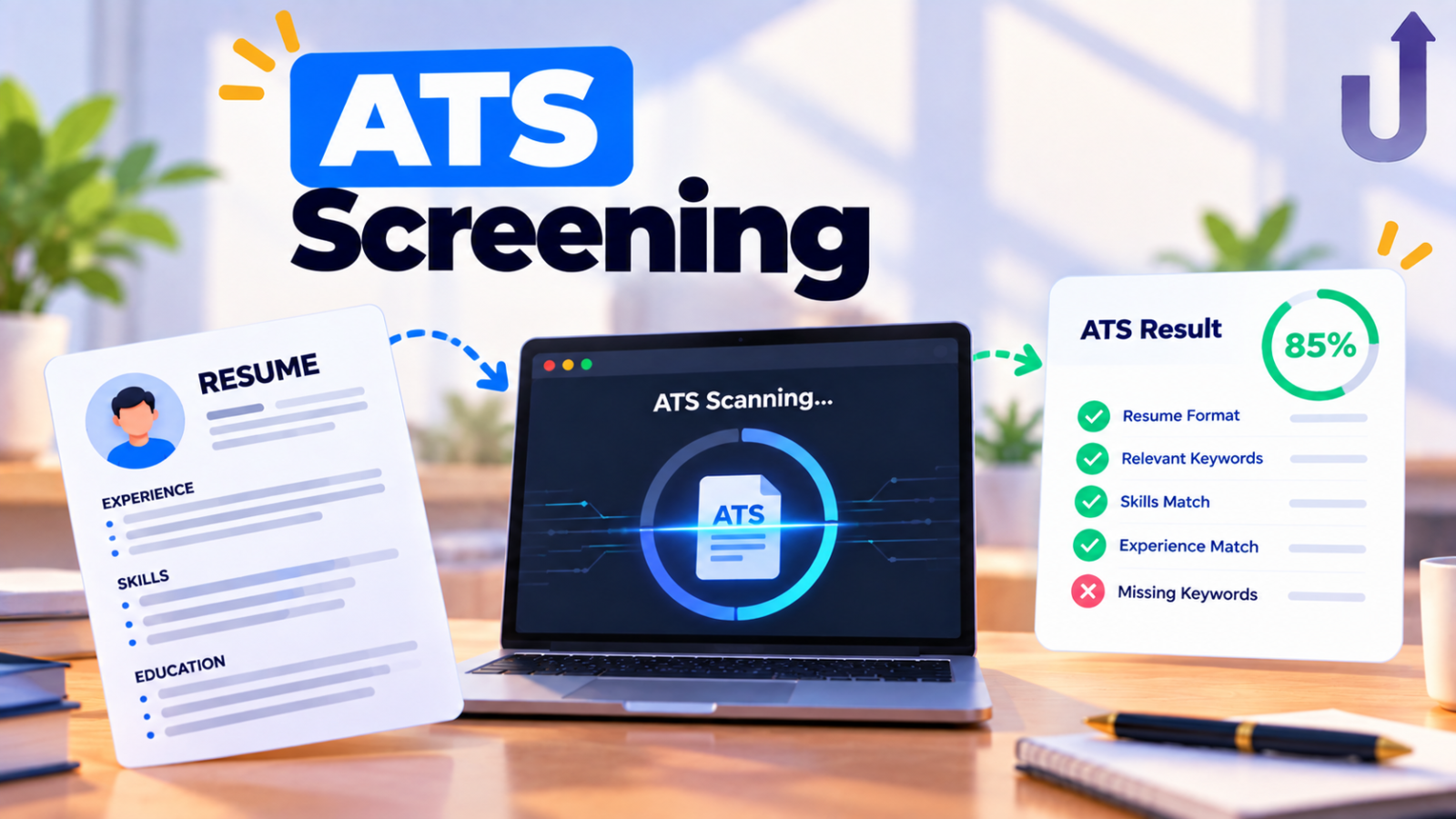
An applicant tracking system (ATS) is software that companies use to collect, organise and track job applications. Think of it as a hiring inbox with a database and a workflow attached, not a robot that judges your career. Its main jobs are to receive your application, turn your resume into searchable fields, and move you through the hiring stages.
“The ATS rejected me” gets blamed for many unexplained rejections. Sometimes it is a factor, but usually not in the way people imagine. This guide explains what an ATS really does, what is myth, and what actually helps.
In this guide
The short version
- An ATS mostly collects, parses, stores and sorts applications for a human to review.
- How much it filters automatically depends on how each employer configures it. You usually cannot see that.
- The bigger risk is often formatting that fails to parse, not “too few keywords”.
What an ATS actually does
| Step | What the ATS does | What it means for you |
|---|---|---|
| Collect | Receives applications from the careers page and job boards | Your application lands in one central place |
| Parse | Reads your resume and splits it into fields: name, employer, job titles, dates, skills, education | If parsing fails, the fields are wrong or empty |
| Store | Keeps every candidate in a searchable database | Recruiters may find you later by searching a skill or title |
| Search and sort | Lets recruiters filter and rank by fields, skills or match to the job | Clear, standard wording helps you show up |
| Track | Moves each candidate through stages: applied, screened, interview, offer | Its status is what a recruiter sees, not your resume design |
| Communicate | Sends emails and schedules interviews | Most of the automation is logistics |
Some employers also add knockout questions to the application form, such as work authorisation or a required qualification. Those can screen people out automatically. That is a form question you answer, not something the ATS decides by reading your resume.
Myths vs facts
| Myth | What is actually going on |
|---|---|
| The ATS reads my resume like a person and rejects me | It parses text into fields. In most hiring processes a person still reviews and shortlists. How much automatic filtering happens depends on how the employer set it up. |
| A huge percentage of resumes are auto-rejected | Widely repeated statistics about ATS rejection rates are rarely backed by a reliable source. Do not plan around them. |
| Stuffing keywords beats the ATS | Recruiters read your resume too, and stuffing hurts readability. Use the job's own terms for skills you genuinely have. |
| A designed, two-column resume stands out | Multi-column layouts, tables and text inside images can turn into a garbled mess when parsed. |
| Hidden white-text keywords are a clever trick | Parsers can still extract them, humans can spot them, and it looks dishonest. Skip it. |
Common ATS names
Well-known systems include Workday, Greenhouse, Lever, iCIMS, Oracle Taleo and SmartRecruiters. You usually cannot see which one a company uses or how it is configured, but the application page URL often gives it away (for example, addresses containing myworkdayjobs, greenhouse or lever). Trying to out-guess one company’s configuration is a losing game, so aim for a resume that parses cleanly everywhere.
Make your resume parse cleanly
| Do | Avoid |
|---|---|
| A simple, single-column layout | Multi-column layouts, tables and text boxes |
| Standard section names: Experience, Education, Skills | Creative headings such as "My Journey" |
| A text-based PDF or .docx, as the job asks | Scanned or image-only files, text inside images |
| Consistent dates such as Jan 2024 – Mar 2026 | Mixed date styles, vague ranges |
| Plain bullet points | Icons, rating bars and skill charts for skills |
| Key details in the main body | Important details in headers or footers |
A 60-second parse test
- Open your resume PDF and select all the text (Ctrl+A), then copy it.
- Paste it into a plain text editor such as Notepad.
- Read it. Is the order sensible? Are your job titles, employers and dates next to each other? Are any lines missing or jumbled?
If the pasted text is a mess, a parser will likely see a mess too. Simplify the layout until the copied text reads cleanly.
Keywords: do it honestly
Matching the job description helps, but not by stuffing. The honest approach:
- Read the posting and note the skills and tools it repeats.
- Where you genuinely have a skill, use the same term the posting uses, not only a synonym only a human would connect. “Power BI” and “PowerBI” may not match the way they do to a person. Writing both a term and its abbreviation once (for example “Structured Query Language (SQL)”) covers both.
- List the skill in your Skills section and show it in a bullet that describes what you did with it. A skill mentioned once, clearly, beats the same skill buried three ways in a paragraph.
What actually helps
- Clean structure over creative formatting. A linear layout parses correctly. A clever design might not, and you will never get a message saying it failed.
- Bullets that say what you did. “Built weekly revenue reports used by the sales team” carries information a recruiter, or a matching system, can act on. “Responsible for reporting” does not.
- Complete, structured profile fields. Skills, dates, titles, education and target roles that exist as real fields, not just words inside a paragraph, are read most reliably.
- A referral. A person’s name attached to your application can get it a closer look. See how to ask for an employee referral.
- The rest of the shortlisting basics. See why you are not getting shortlisted.
The lasting fix is not gaming one company’s system. It is having your information sitting in clean, structured form once, so any system or person reading it gets an accurate picture instead of a formatting problem.
Frequently asked questions
Does an ATS automatically reject resumes?
It depends on how the employer configures it. Some use knockout questions (for example a required qualification) or rank candidates so recruiters see the best matches first. Many hiring processes still have a person reviewing applications. Rejection statistics quoted online are rarely reliable.
Is PDF or Word better for an ATS?
Most modern systems parse both. Follow the instructions in the job posting. If none are given, a text-based PDF or a clean .docx is generally fine. Avoid scanned or image-only files.
Do columns and tables break ATS parsing?
They can. Parsers read text in a linear order, so multi-column layouts and tables can scramble the order of your content. A single-column layout is the safest choice.
How do I know which ATS a company uses?
Often you cannot be sure, but the application page URL frequently reveals it, for example a Workday, Greenhouse or Lever address. You cannot see how the company has configured it, so focus on a clean resume.
Should I add hidden keywords in white text?
No. Parsers can still extract the text, recruiters can spot it, and it reflects badly. Use real keywords for skills you genuinely have, placed where a person would expect them.
Related reading
- Why You’re Not Getting Shortlisted – seven fixes that go beyond the resume file.
- How to Ask for an Employee Referral – with message templates.
Put your data in structured form once
Build a Job Search Profile with real fields for skills, experience and education, filled in once and reused everywhere.
See how it gets used
Browse live roles and see structured matching in action.
