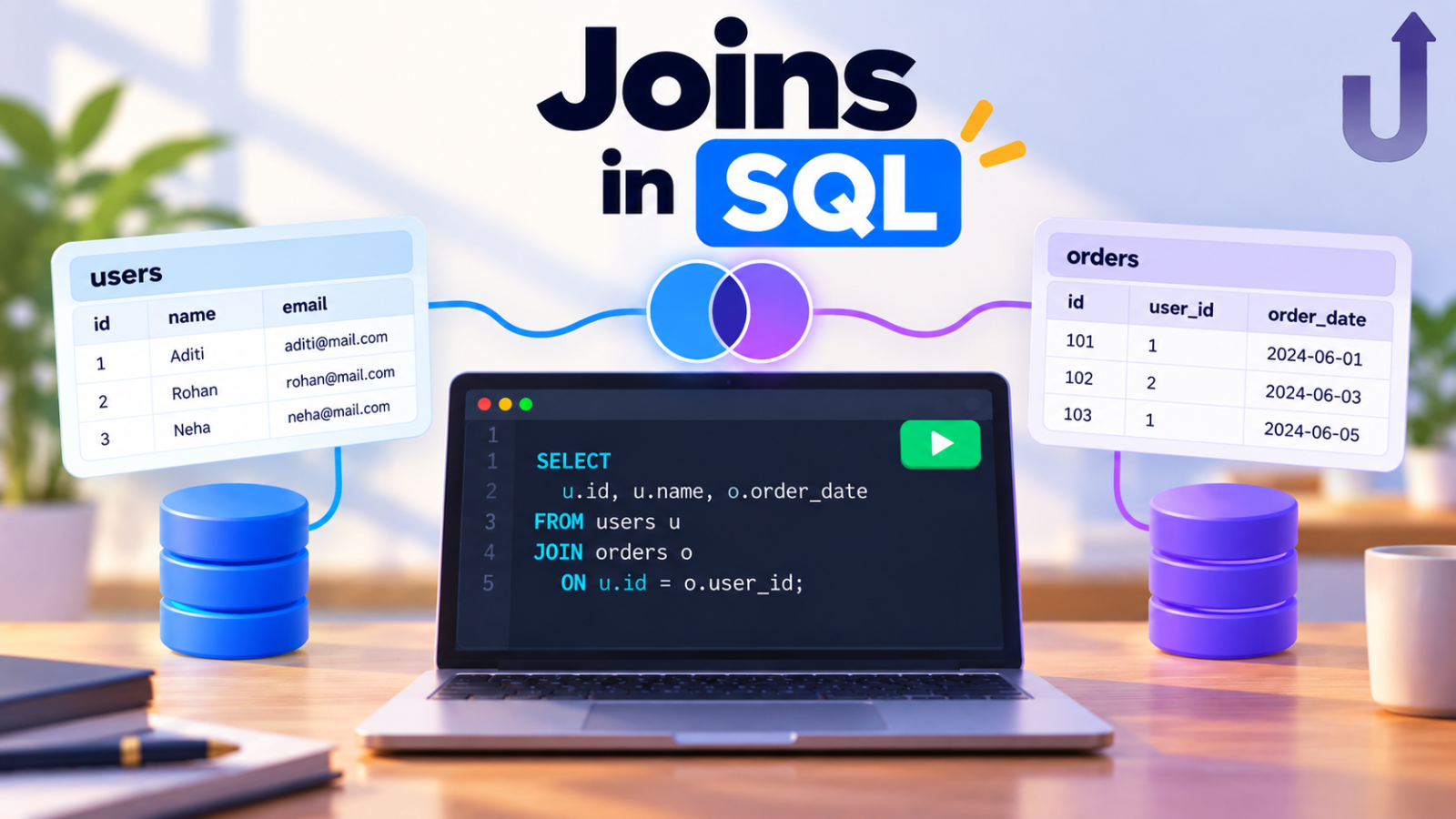
A SQL join combines rows from two or more tables using a related column, usually an ID that appears in both. Databases keep data in separate tables – customers in one, orders in another – so almost every useful question needs a join.
This guide explains the four main types of joins in SQL – INNER JOIN, LEFT JOIN, RIGHT JOIN and FULL JOIN – using the same two small tables throughout. You will see the exact rows each join keeps and why.
In this guide
The short version
- INNER JOIN – only the rows that match in both tables.
- LEFT JOIN – every row from the left table, plus matching rows from the right (NULL when there is no match).
- RIGHT JOIN – every row from the right table, plus matching rows from the left.
- FULL JOIN – every row from both tables, matched up where possible.
Why do we need joins?
Imagine storing every order in one giant table. Each order row would repeat the customer’s name again and again, and if a customer changed their name you would have to fix it in hundreds of places.
So databases split the data: a customers table holds each customer once, and an orders table refers to a customer by customer_id. A join is how you bring the two back together when you need a question answered, such as “what did each customer buy?”
The two tables we will use
Every example below uses these two tables. They are deliberately imperfect, because that is what makes the join types behave differently.
| customer_id | name |
|---|---|
| 1 | Asha |
| 2 | Ravi |
| 3 | Meera |
| 4 | Kabir |
| order_id | customer_id | amount |
|---|---|---|
| 101 | 1 | 500 |
| 102 | 1 | 300 |
| 103 | 2 | 700 |
| 104 | 5 | 400 |
- Asha has two orders and Ravi has one.
- Meera and Kabir have never placed an order.
- Order 104 belongs to
customer_id5, who does not exist in the customers table (a deleted account or a guest checkout, for example).
Want to run this yourself? Copy the setup SQL
CREATE TABLE customers (customer_id INT, name VARCHAR(50));
INSERT INTO customers VALUES (1, 'Asha'), (2, 'Ravi'), (3, 'Meera'), (4, 'Kabir');

CREATE TABLE orders (order_id INT, customer_id INT, amount INT);
INSERT INTO orders VALUES (101, 1, 500), (102, 1, 300), (103, 2, 700), (104, 5, 400);
Works in MySQL, PostgreSQL and SQLite. Paste it into any of them, then run the queries from this guide.
SQL join syntax
SELECT columns
FROM table_a
<join type> JOIN table_b
  ON table_a.common_column = table_b.common_column;
The ON part is the matching rule: it tells the database which row in one table belongs with which row in the other. In our examples c and o are short aliases for customers and orders, so we type less.
Row order in a result can differ between databases unless you add ORDER BY. The rows themselves will match what you see below.
1. INNER JOIN
INNER JOIN returns only the rows that have a match in both tables. Rows without a partner on the other side are dropped.
SELECT c.name, o.order_id, o.amount
FROM customers c
INNER JOIN orders o
ON c.customer_id = o.customer_id;| name | order_id | amount |
|---|---|---|
| Asha | 101 | 500 |
| Asha | 102 | 300 |
| Ravi | 103 | 700 |
How the database reads this, step by step:
- Take Asha from
customers. Two orders havecustomer_id1, so Asha appears twice (orders 101 and 102). - Take Ravi. One order matches, so he appears once (order 103).
- Take Meera and Kabir. No orders match, so they are dropped.
- Order 104 points to customer 5, who is not in
customers, so it is dropped too.
Notice that a customer with two orders produces two rows. A join returns one row for every matching pair.
Writing just JOIN with no keyword in front means INNER JOIN in every major database.
2. LEFT JOIN (LEFT OUTER JOIN)
LEFT JOIN returns every row from the left table (the one after FROM), plus the matching rows from the right table. Where there is no match, the right-side columns are filled with NULL.
SELECT c.name, o.order_id, o.amount
FROM customers c
LEFT JOIN orders o
ON c.customer_id = o.customer_id;| name | order_id | amount |
|---|---|---|
| Asha | 101 | 500 |
| Asha | 102 | 300 |
| Ravi | 103 | 700 |
| Meera | NULL | NULL |
| Kabir | NULL | NULL |
The highlighted rows are the ones with no match. Meera and Kabir are back, with NULL in the order columns because they have no orders. Order 104 is still missing, because it belongs to the right table and only the left table’s rows are guaranteed to appear.
Find rows with no match (the anti-join pattern)
“Which customers have never ordered?” is one of the most common real-world SQL questions. INNER JOIN cannot answer it, because those customers are removed before you can look for them. Use LEFT JOIN and keep only the rows where the right side is NULL:
SELECT c.name
FROM customers c
LEFT JOIN orders o
  ON c.customer_id = o.customer_id
WHERE o.order_id IS NULL;| name |
|---|
| Meera |
| Kabir |
You will see this pattern again and again: users who never completed onboarding, products that never sold, students who never submitted an assignment.
3. RIGHT JOIN (RIGHT OUTER JOIN)
RIGHT JOIN is the mirror image of LEFT JOIN: every row from the right table, plus the matching rows from the left.
SELECT c.name, o.order_id, o.amount
FROM customers c
RIGHT JOIN orders o
ON c.customer_id = o.customer_id;| name | order_id | amount |
|---|---|---|
| Asha | 101 | 500 |
| Asha | 102 | 300 |
| Ravi | 103 | 700 |
| NULL | 104 | 400 |
The highlighted row has no match. Order 104 now appears, with NULL for the customer name, but Meera and Kabir disappear because the right table (orders) is the one that must be complete.
In practice most people rarely write RIGHT JOIN. Any RIGHT JOIN can be rewritten as a LEFT JOIN by swapping the table order, and it returns the same rows:
SELECT c.name, o.order_id, o.amount
FROM orders o
LEFT JOIN customers c
  ON c.customer_id = o.customer_id;
4. FULL JOIN (FULL OUTER JOIN)
FULL JOIN returns every row from both tables. Matching rows are joined together; rows with no match on either side are kept and filled with NULL.
SELECT c.name, o.order_id, o.amount
FROM customers c
FULL JOIN orders o
ON c.customer_id = o.customer_id;| name | order_id | amount |
|---|---|---|
| Asha | 101 | 500 |
| Asha | 102 | 300 |
| Ravi | 103 | 700 |
| Meera | NULL | NULL |
| Kabir | NULL | NULL |
| NULL | 104 | 400 |
Highlighted rows have no match on one side. This is the union of everything: the matched rows, Meera and Kabir (customers without orders) and order 104 (an order without a customer). FULL JOIN is handy when you compare two lists and want to see what is missing from either side.
FULL JOIN in MySQL
MySQL does not support FULL JOIN. PostgreSQL, SQL Server, Oracle and recent SQLite versions do. In MySQL you can get the same result by combining a LEFT JOIN and a RIGHT JOIN with UNION:
SELECT c.name, o.order_id, o.amount
FROM customers c
LEFT JOIN orders o ON c.customer_id = o.customer_id
UNION
SELECT c.name, o.order_id, o.amount
FROM customers c
RIGHT JOIN orders o ON c.customer_id = o.customer_id;
Use UNION here, not UNION ALL, so the rows that match in both queries are not duplicated.
Common mistake: filtering a LEFT JOIN in WHERE
Say you want every customer, along with any orders above 400. The obvious approach is a WHERE filter, but it quietly changes the join:
SELECT c.name, o.order_id, o.amount
FROM customers c
LEFT JOIN orders o
  ON c.customer_id = o.customer_id
WHERE o.amount > 400;| name | order_id | amount |
|---|---|---|
| Asha | 101 | 500 |
| Ravi | 103 | 700 |
Meera and Kabir vanished. The join first produced their rows with NULL amounts, then WHERE o.amount > 400 ran, and a NULL is never greater than 400, so those rows were removed. The LEFT JOIN behaved like an INNER JOIN.
Move the condition into the ON clause instead, so it decides which orders match while still keeping every customer:
SELECT c.name, o.order_id, o.amount
FROM customers c
LEFT JOIN orders o
  ON c.customer_id = o.customer_id
AND o.amount > 400;| name | order_id | amount |
|---|---|---|
| Asha | 101 | 500 |
| Ravi | 103 | 700 |
| Meera | NULL | NULL |
| Kabir | NULL | NULL |
Every customer is back. Asha’s 300 order is not shown because it fails the condition, but Asha herself is kept, along with Meera and Kabir.
The rule: ON decides which rows are matched. WHERE removes rows after the join is finished. With LEFT JOIN that difference matters.
CROSS JOIN and SELF JOIN
CROSS JOIN pairs every row of one table with every row of the other, with no matching condition. Four customers and four orders give 4 × 4 = 16 rows. It is rarely what you want by accident, and it explains why a join with a missing or wrong ON condition suddenly returns far too many rows.
SELF JOIN joins a table to itself, which is how you connect an employee to their manager when both live in the same table. You give the table two different aliases:
Want to run this yourself? Copy the setup SQL
CREATE TABLE staff (emp_id INT, name VARCHAR(50), manager_id INT);
INSERT INTO staff VALUES (1, 'Asha', NULL), (2, 'Ravi', 1), (3, 'Meera', 1), (4, 'Kabir', 2);
Works in MySQL, PostgreSQL and SQLite. Paste it into any of them, then run the queries from this guide.
| emp_id | name | manager_id |
|---|---|---|
| 1 | Asha | NULL |
| 2 | Ravi | 1 |
| 3 | Meera | 1 |
| 4 | Kabir | 2 |
SELECT e.name AS employee, m.name AS manager
FROM staff e
LEFT JOIN staff m
ON e.manager_id = m.emp_id;| employee | manager |
|---|---|
| Asha | NULL |
| Ravi | Asha |
| Meera | Asha |
| Kabir | Ravi |
Asha has no manager, so the LEFT JOIN keeps her with a NULL manager.
Which join should you use?
| Join | Rows returned | Unmatched rows kept? | Typical use |
|---|---|---|---|
| INNER JOIN | Only pairs that match in both tables | None | Orders together with their customer details |
| LEFT JOIN | All left rows plus matches | Left side | All customers, even those who never ordered; finding rows with no match |
| RIGHT JOIN | All right rows plus matches | Right side | Rare; the same as LEFT JOIN with the tables swapped |
| FULL JOIN | All rows from both tables | Both sides | Comparing two lists to see what is missing from either |
A simple way to choose: ask yourself, “If a row has no partner in the other table, do I still want to see it?” If no, use INNER JOIN. If yes, use LEFT JOIN (or FULL JOIN if you need both sides).
Practice SQL joins
Reading about joins only gets you halfway. The habit that sticks is running them and predicting the result before you press the button. Try the queries above on ready-made datasets in our free online SQL compiler, then test yourself with the timed SQL quiz.
Frequently asked questions
What is the difference between INNER JOIN and LEFT JOIN?
INNER JOIN returns only rows that have a match in both tables. LEFT JOIN returns all rows from the left table and fills the right-side columns with NULL when there is no match.
Is JOIN the same as INNER JOIN?
Yes. In MySQL, PostgreSQL, SQL Server and Oracle, writing JOIN on its own means INNER JOIN.
Is LEFT JOIN the same as LEFT OUTER JOIN?
Yes. The word OUTER is optional. LEFT JOIN, RIGHT JOIN and FULL JOIN are shorthand for the OUTER versions.
Does MySQL support FULL JOIN?
No. MySQL has no FULL JOIN keyword. Combine a LEFT JOIN and a RIGHT JOIN with UNION, as shown above.
Why does my join return more rows than I expected?
A join returns one row per matching pair. If one customer has three orders, that customer appears three times. Duplicates also appear when the column you join on is not unique in one of the tables. Check that at least one side of the join has unique values.
Which SQL join is the fastest?
Speed depends on the data, the indexes and the database, not on the join keyword. Choose the join that gives the right rows, and make sure the columns in your ON condition are indexed.
Related reading
- Why you should learn SQL, even if you are not a programmer – the case for learning it, in plain language.
- SQL WHERE vs HAVING – the other clause pair that trips up beginners.
- NULL in SQL – why NULL appears in join output and how to handle it.
Practice real JOINs right now
Our datasets are built with these kinds of gaps on purpose: customers with no orders, orders with no matching customer.
Want a structured path instead?
Structured SQL courses – built for real data roles.
Test yourself
Timed questions on Joins, with an explanation for every answer.
