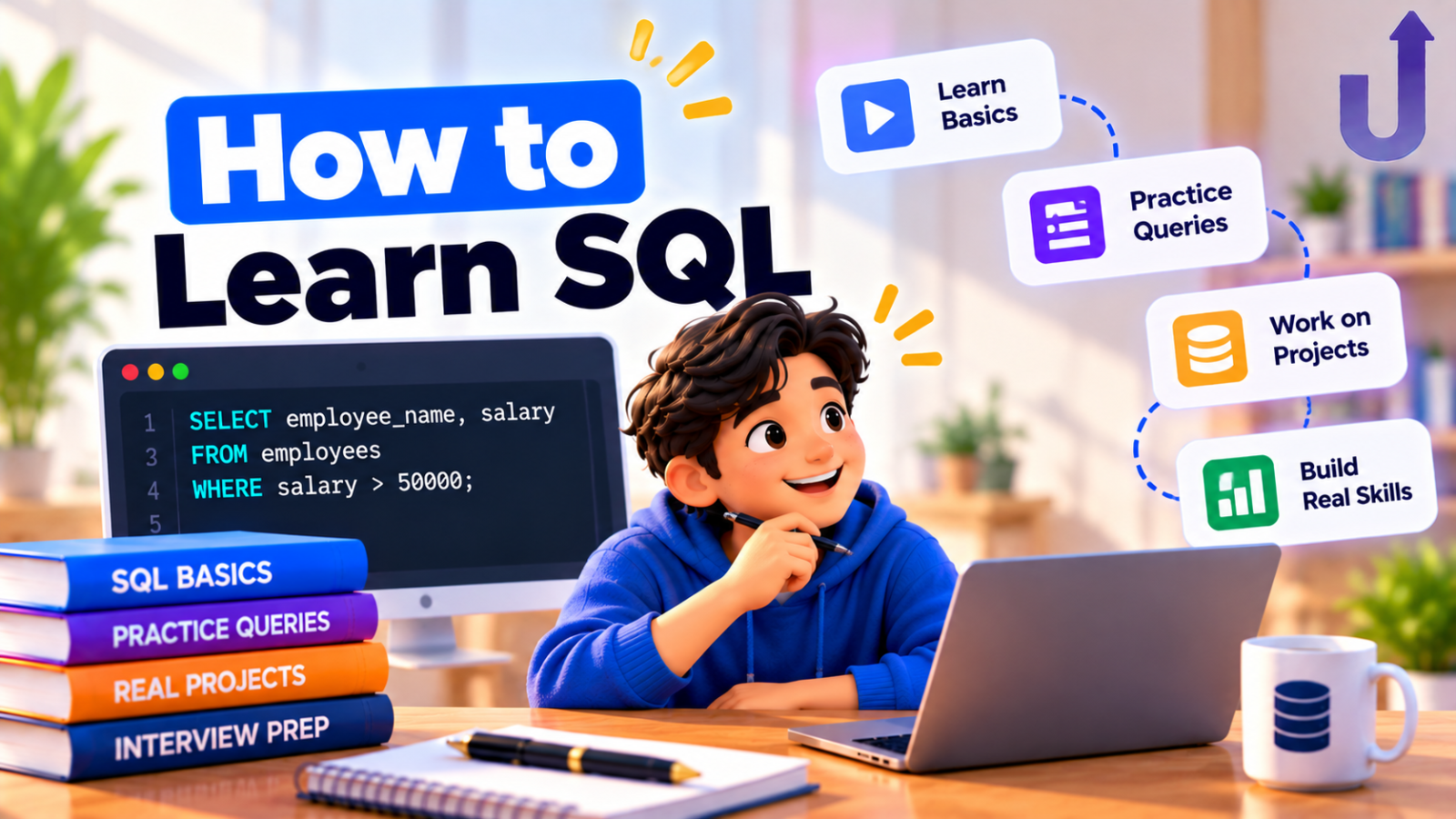
The best way to learn SQL is to learn a small piece, run it against real data, break it, and fix it, in a sensible order. This guide is that order: a seven-stage roadmap from your first SELECT to window functions, with a real query and output at each stage and a checkpoint so you know when to move on.
It also answers the question every beginner asks: free practice or a structured course? The short answer is that they work best together.
In this guide
The 7 stages at a glance
| Stage | You learn | Key commands |
|---|---|---|
| 1 | Read and filter data | SELECT, WHERE, ORDER BY, LIMIT |
| 2 | Summarise data | COUNT, SUM, AVG, GROUP BY, HAVING |
| 3 | Combine tables | INNER JOIN, LEFT JOIN |
| 4 | Handle missing data | NULL, IS NULL, COALESCE |
| 5 | Queries inside queries | Subqueries, CTEs |
| 6 | Compare rows | Window functions: RANK, LAG, running totals |
| 7 | Apply it | Interview questions, small projects |
Every example below uses these small tables. Copy the setup script into any SQL editor to follow along.
| name | department | salary |
|---|---|---|
| Asha | Sales | 55000 |
| Ravi | Sales | 70000 |
| Meera | Sales | 70000 |
| Kabir | IT | 90000 |
| Neha | IT | 80000 |
| Arjun | HR | 45000 |
| Divya | HR | 55000 |
Want to run this yourself? Copy the setup SQL
CREATE TABLE employees (name VARCHAR(50), department VARCHAR(30), salary INT);
INSERT INTO employees VALUES
  ('Asha', 'Sales', 55000), ('Ravi', 'Sales', 70000), ('Meera', 'Sales', 70000),
  ('Kabir', 'IT', 90000), ('Neha', 'IT', 80000), ('Arjun', 'HR', 45000), ('Divya', 'HR', 55000);

CREATE TABLE customers (customer_id INT, name VARCHAR(50), phone VARCHAR(15));
INSERT INTO customers VALUES (1, 'Asha', '9000000001'), (2, 'Ravi', NULL), (3, 'Meera', '9000000003');

CREATE TABLE orders (order_id INT, customer_id INT, amount INT);
INSERT INTO orders VALUES (101, 1, 500), (102, 1, 300), (103, 2, 700);
Works in MySQL, PostgreSQL and SQLite. Paste it into any of them, then run the queries from this guide.
Stage 1: Read data with SELECT, WHERE and ORDER BY
Learn: pick columns with SELECT, choose a table with FROM, filter rows with WHERE, sort with ORDER BY, and cap the result with LIMIT.
Try: who is in Sales, highest paid first?
SELECT name, salary
FROM employees
WHERE department = 'Sales'
ORDER BY salary DESC, name;| name | salary |
|---|---|
| Meera | 70000 |
| Ravi | 70000 |
| Asha | 55000 |
Ready to move on when you can write a filtered, sorted query from a blank editor without looking anything up. Go deeper: The SQL SELECT Statement.
Stage 2: Summarise data with GROUP BY
Learn: aggregate functions (COUNT, SUM, AVG, MIN, MAX), GROUP BY to summarise per category, and HAVING to filter groups.
Try: headcount and average salary per department.
SELECT department, COUNT(*) AS headcount, ROUND(AVG(salary)) AS avg_salary
FROM employees
GROUP BY department
ORDER BY department;| department | headcount | avg_salary |
|---|---|---|
| HR | 2 | 50000 |
| IT | 2 | 85000 |
| Sales | 3 | 65000 |
Ready to move on when you can explain the difference between WHERE and HAVING. Go deeper: SQL WHERE vs HAVING.
Stage 3: Combine tables with JOINs
Learn: why data is split across tables, and how INNER JOIN and LEFT JOIN bring it back together. This is where most beginners slow down, so give it time.
Try: every customer with their orders, including customers who have none.
| customer_id | name | phone |
|---|---|---|
| 1 | Asha | 9000000001 |
| 2 | Ravi | NULL |
| 3 | Meera | 9000000003 |
| order_id | customer_id | amount |
|---|---|---|
| 101 | 1 | 500 |
| 102 | 1 | 300 |
| 103 | 2 | 700 |
SELECT c.name, o.order_id
FROM customers c
LEFT JOIN orders o ON o.customer_id = c.customer_id
ORDER BY c.name, o.order_id;| name | order_id |
|---|---|
| Asha | 101 |
| Asha | 102 |
| Meera | NULL |
| Ravi | 103 |
Ready to move on when you can predict which rows an INNER JOIN will drop before you run it. Go deeper: SQL Joins Explained.
Stage 4: Handle missing data (NULL)
Learn: NULL means “unknown”, not zero. Use IS NULL instead of = NULL, and know that COUNT(column) skips NULLs while COUNT(*) does not.
Try: how many customers do we have, and how many have a phone number?
SELECT COUNT(*) AS all_customers, COUNT(phone) AS with_phone
FROM customers;| all_customers | with_phone |
|---|---|
| 3 | 2 |
Ready to move on when you always ask “could NULLs be hiding in this column?” before trusting a result. Go deeper: NULL in SQL.
Stage 5: Queries inside queries
Learn: subqueries (a query in parentheses) and CTEs (a named step written with WITH). They let one query build on the answer of another.
Try: who earns more than the company average?
SELECT name, salary
FROM employees
WHERE salary > (SELECT AVG(salary) FROM employees)
ORDER BY name;| name | salary |
|---|---|
| Kabir | 90000 |
| Meera | 70000 |
| Neha | 80000 |
| Ravi | 70000 |
Ready to move on when you can rewrite the same query with a CTE. Go deeper: Subquery vs CTE.
Stage 6: Window functions
Learn: calculations across related rows that keep every row: RANK, ROW_NUMBER, LAG, running totals. These are what separate everyday SQL from interview-level SQL.
Try: rank employees by salary within their department.
SELECT name, department, salary,
       RANK() OVER (PARTITION BY department ORDER BY salary DESC) AS dept_rank
FROM employees
ORDER BY department, dept_rank, name;| name | department | salary | dept_rank |
|---|---|---|---|
| Divya | HR | 55000 | 1 |
| Arjun | HR | 45000 | 2 |
| Kabir | IT | 90000 | 1 |
| Neha | IT | 80000 | 2 |
| Meera | Sales | 70000 | 1 |
| Ravi | Sales | 70000 | 1 |
| Asha | Sales | 55000 | 3 |
Ready to move on when you can solve “top earner per department” and explain why tied rows share a rank. Go deeper: SQL Window Functions Explained.
Stage 7: Practise like it is real
Now apply it. Work on data with real problems: NULLs, duplicates, cancelled orders, odd values. Then rehearse under pressure with timed questions, because recall from a blank editor is what interviews test, and following a tutorial is not the same thing.
- Run queries in our free SQL editor.
- Test yourself with the timed SQL quiz. A wrong answer points at exactly which topic to revisit.
- Work through nine SQL interview questions with answers and follow the interview prep plan.
- Build two or three small projects: write the question, the query and what you found. Our list of jobs you can get after learning SQL shows what employers use SQL for.
Free practice vs a structured course
Search “how to learn SQL” and you will get two conflicting answers: “just practise, you do not need a course” and “take this course, it is the fastest way”. Both are half right.
| Free practice | Structured course | |
|---|---|---|
| Best for | Building hands-on skill and trying things out | Complete, well-ordered coverage; changing careers |
| Strength | You learn by running and breaking real queries | Nothing important is skipped and the order is planned |
| Limit | You do not know what you do not know, so gaps hide | Passive if you only watch and never write queries |
| Use it when | You are starting out, or keeping skills sharp | You want a full, job-relevant skill set |
The combination that works: learn a concept properly, then immediately practise it on realistic, slightly messy data until it is yours. That is how Upskly is built, with a free SQL editor for practice and structured SQL courses for the parts that need proper sequencing.
Common beginner mistakes
- Only reading or watching. Recognising a technique while someone points at it is not the same as recalling it cold.
- Practising only on clean data. Real data has NULLs and duplicates. See NULL in SQL.
- Not checking row counts after a JOIN. A join can silently drop or repeat rows, so compare counts before and after.
- Using
SELECT *everywhere. Name the columns you need. It is clearer and faster on big tables. - Skipping the “why”. If you cannot explain why a query works, you will not fix it when it breaks.
Frequently asked questions
How long does it take to learn SQL?
There is no fixed timeline. Most people can write useful basic queries (SELECT, WHERE, GROUP BY) quickly with regular practice, while joins, subqueries and window functions take longer to feel natural. Consistent short sessions beat occasional long ones.
Do I need to install anything to learn SQL?
No. You can practise in the browser with an online SQL editor, so there is nothing to set up. Installing MySQL or PostgreSQL later is optional.
Should I learn MySQL or PostgreSQL first?
Either. The core (SELECT, WHERE, GROUP BY, JOIN) is the same, and only small details differ. Learn on whichever you can use most easily, then pick up the differences as you meet them.
Can I learn SQL for free?
Yes. Plenty of free resources and free practice tools exist. A structured course adds a planned order and coverage of topics you might otherwise skip, so many people combine both.
Is SQL enough to get a job?
SQL is usually necessary for data roles but rarely enough on its own. See the jobs you can get after learning SQL and the other skills employers ask for.
Related reading
- Why Learn SQL? 6 Practical Reasons – the case for starting.
- The SQL SELECT Statement – Stage 1 in depth.
- SQL vs Excel for Data Analysis – when each tool fits.
Start with free practice
A free SQL editor in your browser. Run your first query in minutes, no install needed.
Test what you already know
Free, timed SQL quiz questions. Find your gaps before an interviewer does.
Want the structured path?
Structured SQL courses – built for exactly the roles this leads to.
