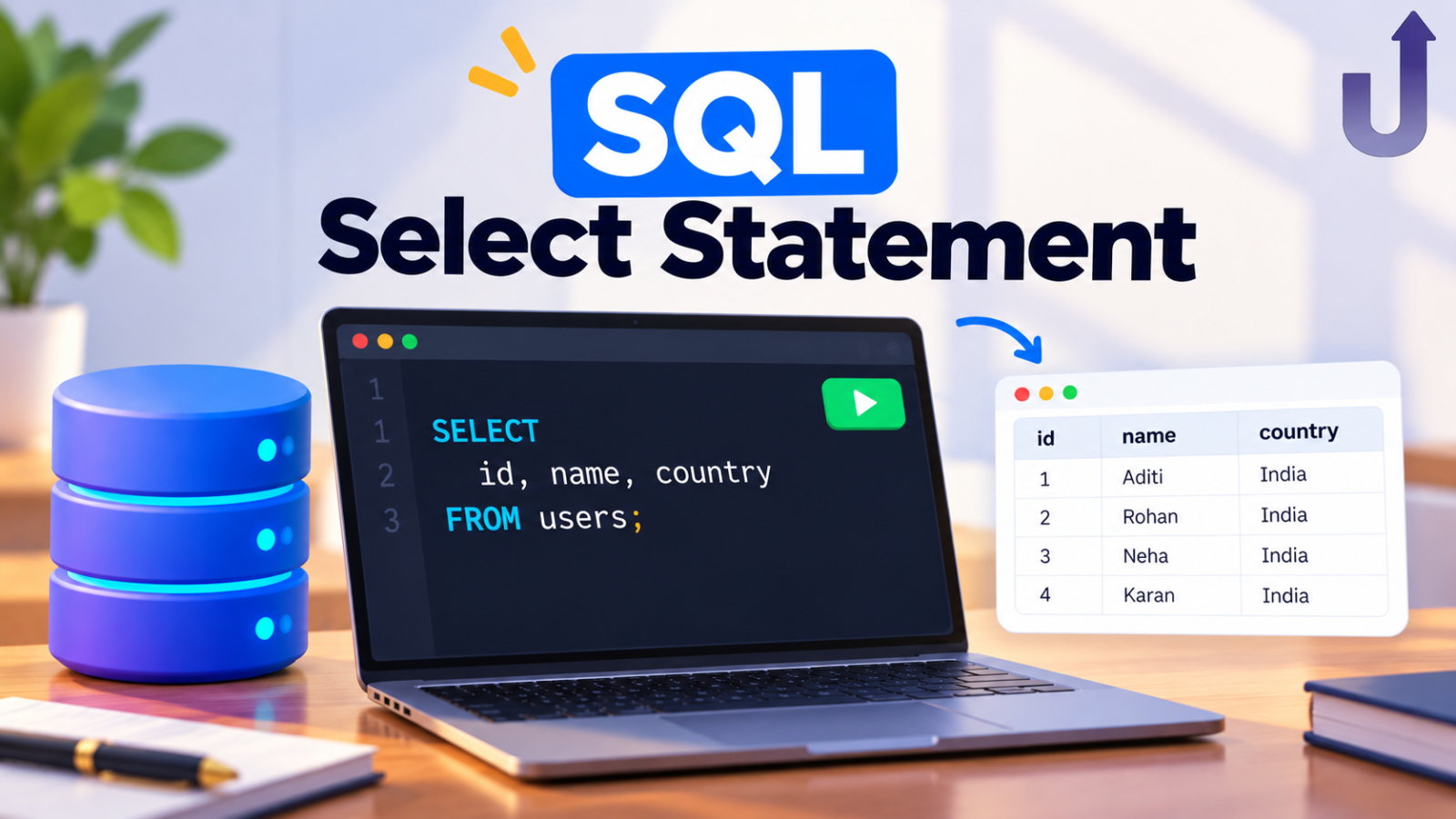
The SQL SELECT statement reads data from a table. It is the first command every beginner learns and the start of almost every query you will ever write. SELECT says which columns you want, FROM says which table they live in, and the other clauses filter, sort and limit the result.
This guide walks through each part with one small products table and the real output of every query.
In this guide
SELECT syntax
SELECT column1, column2
FROM table_name
WHERE condition
ORDER BY column1
LIMIT number;
Only SELECT and FROM are required. Everything else is optional, and the clauses must appear in this order. Here is the table we will use:
| product_id | name | category | price | stock |
|---|---|---|---|---|
| 1 | Notebook | Stationery | 60 | 120 |
| 2 | Pen | Stationery | 10 | 500 |
| 3 | Backpack | Bags | 900 | 40 |
| 4 | Water Bottle | Bags | 250 | 75 |
| 5 | Desk Lamp | Electronics | 700 | 30 |
| 6 | Headphones | Electronics | 1500 | 25 |
| 7 | Pencil | Stationery | 5 | 800 |
| 8 | Laptop Sleeve | Bags | 450 | 60 |
| 9 | Art Set | Stationery | 350 | 20 |
Want to run this yourself? Copy the setup SQL
CREATE TABLE products (product_id INT, name VARCHAR(40), category VARCHAR(20), price INT, stock INT);
INSERT INTO products VALUES
  (1, 'Notebook', 'Stationery', 60, 120),
  (2, 'Pen', 'Stationery', 10, 500),
  (3, 'Backpack', 'Bags', 900, 40),
  (4, 'Water Bottle', 'Bags', 250, 75),
  (5, 'Desk Lamp', 'Electronics', 700, 30),
  (6, 'Headphones', 'Electronics', 1500, 25),
  (7, 'Pencil', 'Stationery', 5, 800),
  (8, 'Laptop Sleeve', 'Bags', 450, 60),
  (9, 'Art Set', 'Stationery', 350, 20);
Works in MySQL, PostgreSQL and SQLite. Paste it into any of them, then run the queries from this guide.
Choosing columns
List the columns you want, separated by commas:
SELECT name, price
FROM products;| name | price |
|---|---|
| Notebook | 60 |
| Pen | 10 |
| Backpack | 900 |
| Water Bottle | 250 |
| Desk Lamp | 700 |
| Headphones | 1500 |
| Pencil | 5 |
| Laptop Sleeve | 450 |
| Art Set | 350 |
To get every column, use SELECT *. It is handy for a quick look, but in real work it is better to name the columns you need. The query stays clear, and it stays fast on big tables because the database returns less data.
Filtering rows with WHERE
Most of the time you want a slice of the rows, not all of them. WHERE keeps only the rows where the condition is true:
SELECT name, price
FROM products
WHERE category = 'Bags';| name | price |
|---|---|
| Backpack | 900 |
| Water Bottle | 250 |
| Laptop Sleeve | 450 |
Text values go in single quotes ('Bags'), numbers do not. Combine conditions with AND and OR:
SELECT name, price
FROM products
WHERE category = 'Electronics'
AND price < 1000;| name | price |
|---|---|
| Desk Lamp | 700 |
Three more filters you will use constantly:
IN ('Bags', 'Electronics')matches any value in a list.BETWEEN 200 AND 800matches a range, including both ends.LIKE 'P%'matches a pattern.%stands for “any characters”.
SELECT name, price
FROM products
WHERE price BETWEEN 200 AND 800
ORDER BY price;| name | price |
|---|---|
| Water Bottle | 250 |
| Art Set | 350 |
| Laptop Sleeve | 450 |
| Desk Lamp | 700 |
SELECT name
FROM products
WHERE name LIKE 'P%';| name |
|---|
| Pen |
| Pencil |
Sorting with ORDER BY
ORDER BY sorts the result. Add DESC for high-to-low; the default is ASC, low-to-high. You can sort by several columns, and later ones break ties in earlier ones:
SELECT name, category, price
FROM products
ORDER BY category, price DESC;| name | category | price |
|---|---|---|
| Backpack | Bags | 900 |
| Laptop Sleeve | Bags | 450 |
| Water Bottle | Bags | 250 |
| Headphones | Electronics | 1500 |
| Desk Lamp | Electronics | 700 |
| Art Set | Stationery | 350 |
| Notebook | Stationery | 60 |
| Pen | Stationery | 10 |
| Pencil | Stationery | 5 |
Sorting happens after filtering, so it only sorts the rows that passed your WHERE.
Limiting rows with LIMIT
Useful for “show me the top 3” questions, and important once a table has millions of rows, since you rarely want them all back at once:
SELECT name, price
FROM products
ORDER BY price DESC
LIMIT 3;| name | price |
|---|---|
| Headphones | 1500 |
| Backpack | 900 |
| Desk Lamp | 700 |
Always pair LIMIT with ORDER BY. Without a sort, “the first 3 rows” is not a defined set, and the database may return any 3.
| Database | How to limit rows |
|---|---|
| MySQL, PostgreSQL, SQLite | LIMIT 3 |
| SQL Server | SELECT TOP 3 … |
| Oracle (12c and later) | FETCH FIRST 3 ROWS ONLY |
Removing duplicates with DISTINCT
Nine products, but how many categories? DISTINCT returns each value once:
SELECT DISTINCT category
FROM products
ORDER BY category;| category |
|---|
| Bags |
| Electronics |
| Stationery |
Aliases and calculated columns
A column does not have to come straight from the table. You can calculate one, and rename it with AS so the result is easy to read:
SELECT name, price * stock AS stock_value
FROM products
ORDER BY stock_value DESC
LIMIT 3;| name | stock_value |
|---|---|
| Headphones | 37500 |
| Backpack | 36000 |
| Laptop Sleeve | 27000 |
price * stock AS stock_value works out the value of the stock on hand and labels the column. Note that the alias can be used in ORDER BY.
The order SQL runs your query in
SQL reads top to bottom, but it does not run top to bottom. Roughly, the database works out FROM first, then WHERE, then SELECT, then ORDER BY, then LIMIT. That explains two things beginners find odd:
- An alias defined in
SELECTcan be used inORDER BY(which runs later) but, in standard SQL, not inWHERE(which runs earlier). MySQL, PostgreSQL and SQL Server reject it. SQLite is more lenient and accepts it, so if you test this in a browser SQLite editor it may appear to work. Do not rely on it. ORDER BYsorts only the rows that survivedWHERE.
For the full picture, including GROUP BY and HAVING, see SQL WHERE vs HAVING.
Common beginner mistakes
1. Mixing AND and OR without parentheses
AND is evaluated before OR. Say you want cheap items (under 100) that are Bags or Stationery. This looks right but is not:
SELECT name, category, price
FROM products
WHERE category = 'Bags' OR category = 'Stationery'
AND price < 100;| name | category | price |
|---|---|---|
| Notebook | Stationery | 60 |
| Pen | Stationery | 10 |
| Backpack | Bags | 900 |
| Water Bottle | Bags | 250 |
| Pencil | Stationery | 5 |
| Laptop Sleeve | Bags | 450 |
It reads as “all Bags, or Stationery under 100”. The expensive bags slipped in. Add parentheses to say what you mean:
SELECT name, category, price
FROM products
WHERE (category = 'Bags' OR category = 'Stationery')
AND price < 100;| name | category | price |
|---|---|---|
| Notebook | Stationery | 60 |
| Pen | Stationery | 10 |
| Pencil | Stationery | 5 |
2. Using LIMIT without ORDER BY
The rows you get back are arbitrary, and can change between runs or databases.
3. Comparing to NULL with =
WHERE phone = NULL never matches anything. Use IS NULL. See NULL in SQL.
4. Forgetting quotes around text
WHERE category = Bags makes the database look for a column called Bags, and it fails.
Next, learn to combine tables with SQL JOINs, then follow the full SQL learning roadmap.
Frequently asked questions
What does SELECT * mean in SQL?
It means “select all columns”. It is convenient for a quick look at a table, but it is better practice to list only the columns you need.
What is the difference between SELECT and SELECT DISTINCT?
SELECT returns every matching row, including duplicates. SELECT DISTINCT returns each unique combination of the selected columns once.
Can I use a column alias in the WHERE clause?
In standard SQL, and in MySQL, PostgreSQL and SQL Server, no. WHERE runs before SELECT, so the alias does not exist yet. Repeat the expression instead. SQLite is lenient and allows it, but the query then will not port to other databases.
Is SQL case sensitive?
Keywords such as SELECT and from are not case sensitive. Whether table names, column names and text comparisons are case sensitive depends on the database and its settings, so keep your naming consistent.
How do I select only the first 10 rows?
Use LIMIT 10 in MySQL, PostgreSQL and SQLite, TOP 10 in SQL Server, or FETCH FIRST 10 ROWS ONLY in Oracle. Add ORDER BY so the 10 rows are well defined.
Related reading
- SQL Joins Explained – the next step after SELECT.
- SQL WHERE vs HAVING – filtering rows versus groups.
- How to Learn SQL: A Practical Roadmap – where SELECT fits in the bigger picture.
Try these queries yourself
A free SQL editor in your browser. Run SELECT statements instantly, no install needed.
Test what you have learned
Free, timed SQL quiz questions with an explanation for every answer.
Want a structured path instead?
Structured SQL courses – built for real data roles.
