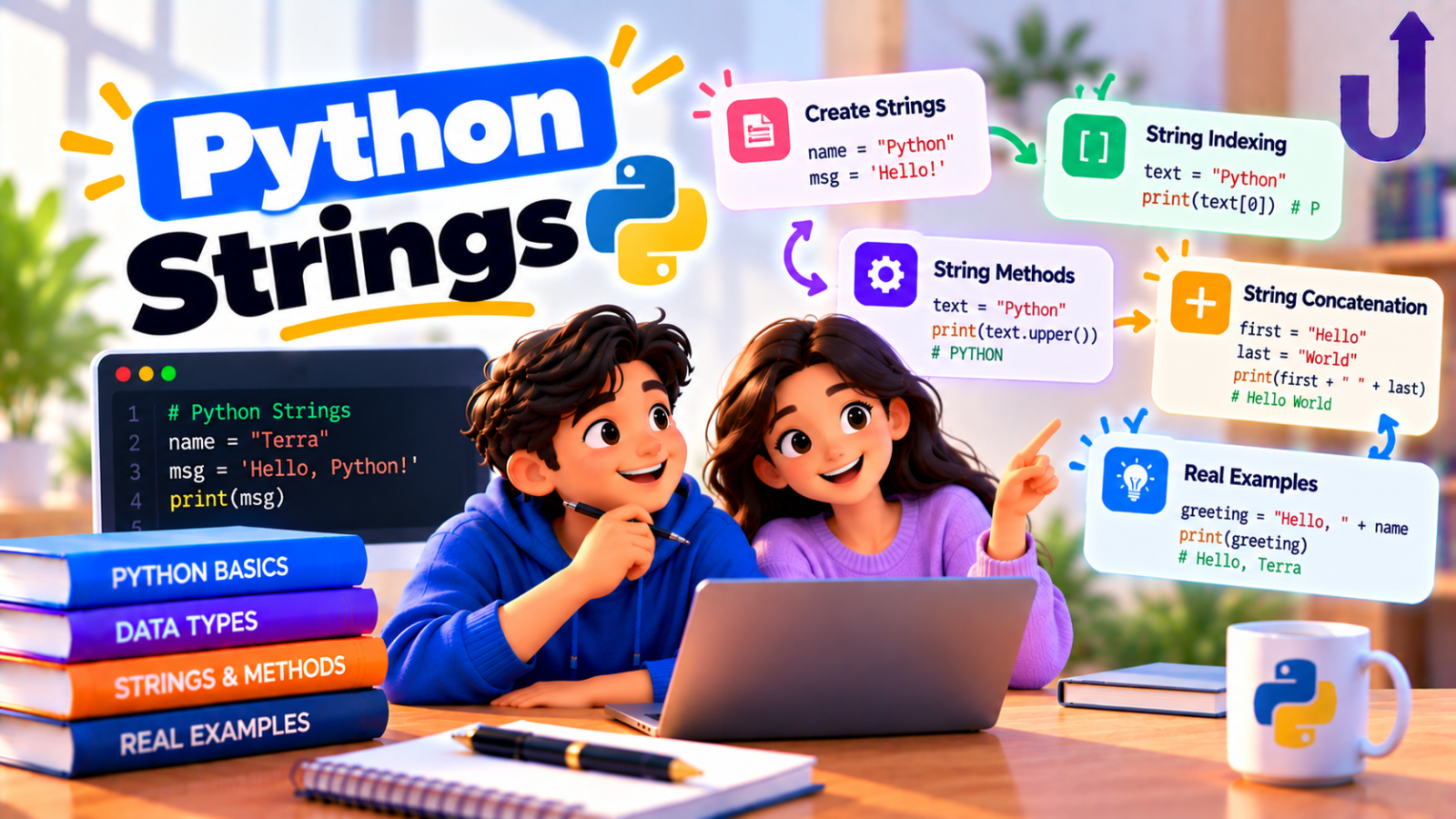
A Python string (str) is an immutable sequence of characters. You create one with quotes, read parts of it with indexes and slices (s[0], s[1:4]), and change it with methods such as upper(), strip(), split() and replace(). Every method returns a new string, because the original can never be changed.
This guide covers creating strings, slicing, the methods you will use most, f-string formatting and the mistakes that trip people up, with real output for every example.
In this guide
The short version
- Quotes:
'single',"double", or"""triple"""for several lines. - Index from 0, or from the end with negatives:
s[0]is the first,s[-1]the last. - Slice with
s[start:stop:step]. The stop position is not included. - Strings cannot be changed in place. Methods return a new string.
- Use
f"..."to put values inside text.
Creating strings
Single and double quotes do the same thing. Pick whichever avoids escaping: "It's fine" needs no backslash. Triple quotes let a string run across several lines. A backslash starts an escape such as \n for a new line, and a raw string (r"...") turns escapes off, which is handy for Windows paths and regular expressions.
single = 'Hello'
double = "It's fine"
multi = """Line one
Line two"""
print(single, double)
print(multi)
print("a\nb")
print(r"C:\new\table")
Output
Hello It's fine
Line one
Line two
a
b
C:\new\table
Indexing and slicing
Each character has a position. Counting starts at 0 from the left, and at -1 from the right:
| Character | P | y | t | h | o | n |
|---|---|---|---|---|---|---|
| Index | 0 | 1 | 2 | 3 | 4 | 5 |
| Negative index | -6 | -5 | -4 | -3 | -2 | -1 |
A slice s[start:stop:step] takes the characters from start up to, but not including, stop. Leave a part out and Python fills in a sensible default:
s = "Python"
print(s[0], s[-1])
print(s[1:4])
print(s[:2], s[2:])
print(s[::2])
print(s[::-1])
print(s[10:20] == "")
Output
P n
yth
Py thon
Pto
nohtyP
True
Read them like this: s[1:4] is positions 1, 2 and 3. s[:2] means “from the start to position 2”. s[::2] takes every second character. s[::-1] steps backwards, which reverses the string.
One difference is worth remembering. Asking for a single position that does not exist is an error, but a slice that runs past the end is quietly shortened:
s = "Python"
print(s[6])
Output
IndexError: string index out of rangeThat is why s[10:20] in the example above simply gave an empty string instead of failing.
The string methods you will use most
Methods are functions attached to a string, called with a dot. These cover most day-to-day work: cleaning text, splitting it up and putting it back together.
text = "  Hello, World  "
print(text.strip())
print(text.strip().lower())
print(text.strip().upper())
print("hello world".title())
print("a,b,c".split(","))
print("-".join(["2026", "09", "25"]))
print("banana".replace("a", "o"))
print("banana".count("a"))
Output
Hello, World
hello, world
HELLO, WORLD
Hello World
['a', 'b', 'c']
2026-09-25
bonono
3
split() turns a string into a list, and join() does the reverse. Notice that join() is called on the separator ("-".join(...)), not on the list. That trips up almost everyone the first time.
Searching inside a string
s = "data analytics"
print(s.find("an"))
print(s.find("xyz"))
print(s.startswith("data"), s.endswith("ics"))
print("lyt" in s)
Output
5
-1
True True
True
find() returns the position of the first match, or -1 if there is none. Its cousin index() does the same but raises an error when the text is missing, so use find() when “not found” is a normal outcome:
print("data".index("z"))Output
ValueError: substring not foundTo simply check whether text is present, use the in operator, as in "lyt" in s. It reads naturally and returns True or False.
Formatting with f-strings
An f-string is a string with an f in front. Anything inside curly braces is evaluated and inserted. After a colon you can control how it looks: decimals, thousands separators, alignment and width.
name = "Asha"
score = 91.456
big = 1234567
print(f"{name} scored {score:.1f}%")
print(f"{big:,}")
print(f"[{name:>8}] [{name:<8}] [{name:^8}]")
print(f"{score=}")
Output
Asha scored 91.5%
1,234,567
[    Asha] [Asha    ] [  Asha  ]
score=91.456
:.1f means one decimal place, :, adds thousands separators, and >8, <8, ^8 right-align, left-align and centre inside a width of 8. The {score=} form (Python 3.8 and later) prints the name and the value, which is a quick way to debug.
Strings are immutable
You cannot change a character inside a string (s[0] = "B" raises a TypeError, as we saw in Python Data Types Explained). More important is what that means for methods: calling s.upper() does not change s. It hands you a new string, and if you ignore it, nothing happens:
s = "hello"
s.upper()
print(s)
s = s.upper()
print(s)
Output
hello
HELLO
The first print still shows hello. Only after we assign the result back with s = s.upper() does the name point at the new value.
Everyday string tasks
A few short recipes that come up constantly, and in interviews:
word = "Level"
print(word[::-1])
print(word.lower() == word.lower()[::-1])
vowels = sum(1 for ch in "education" if ch in "aeiou")
print(vowels)
messy = "  too   many   spaces "
print(messy.split())
print(" ".join(messy.split()))
Output
leveL
True
5
['too', 'many', 'spaces']
too many spaces- Reverse a string:
s[::-1]. - Palindrome check: compare the lower-cased string with its reverse.
- Count vowels: loop through the characters and test
ch in "aeiou". - Collapse extra spaces:
" ".join(text.split()). Callingsplit()with no argument splits on any run of whitespace and drops the empty pieces.
Common mistakes
Mistake 1: expecting strip() to remove a word
strip(), lstrip() and rstrip() take a set of characters, not a prefix or suffix. They keep removing any of those characters until they meet one that is not in the set:
print("hehe_x".lstrip("he"))
print("hehe_x".removeprefix("he"))
Output
_x
he_x
lstrip("he") removed every leading h and e, so both “he” pairs went. To remove an exact prefix or suffix use removeprefix() and removesuffix() (Python 3.9 and later).
Mistake 2: forgetting the stop position is excluded
s[1:4] gives three characters, not four. A handy check: the length of a slice is stop - start.
Mistake 3: building a long string with += in a loop
Writing result += piece inside a big loop works, but it creates a new string every time. Collect the pieces in a list and join once at the end: "".join(pieces). It is cleaner and scales better.
Mistake 4: assuming len() counts what you see
len() counts Unicode code points, and one visible character in some scripts is made of several:
print(len("hello"))
print(len("नमस्ते"))
Output
5
6
The Hindi word looks like four or five characters on screen, but Python counts six code points (some are combining marks). For everyday English text the two counts match.
Method cheat sheet
| Method | What it does | Example | Result |
|---|---|---|---|
| lower() / upper() | Change case | "Hi".lower() | 'hi' |
| title() | Capitalise each word | "hello world".title() | 'Hello World' |
| strip() | Remove spaces at both ends | " hi ".strip() | 'hi' |
| split(sep) | String to list | "a,b".split(",") | ['a', 'b'] |
| join(list) | List to string | "-".join(["a", "b"]) | 'a-b' |
| replace(old, new) | Swap text | "cat".replace("c", "b") | 'bat' |
| find(sub) | Position, or -1 | "cat".find("t") | 2 |
| startswith(x) | Test the beginning | "cat".startswith("c") | True |
| count(sub) | Number of matches | "banana".count("a") | 3 |
| isdigit() | Only digits? | "123".isdigit() | True |
Every row in the table above, checked by running it
okTry it yourself
Work out each answer first, then open the solution.
1. What does "python"[1:-1] return?
Show answer
Output
ythoIt starts at position 1 and stops before the last character (position -1), so the first and last letters are dropped.
2. Reverse every word in "sql is fun", keeping the word order.
Show answer
print(" ".join(w[::-1] for w in "sql is fun".split()))Output
lqs si nufSplit into words, reverse each with [::-1], then join with spaces.
3. What does "a-b-c".split("-", 1) return?
Show answer
Output
['a', 'b-c']The second argument is the maximum number of splits. Only the first dash splits, and the rest stays together.
4. What does print("ab" * 3, "-" * 5) print?
Show answer
Output
ababab -----Multiplying a string by a whole number repeats it.
Paste any of these into our free Python compiler and experiment.
Frequently asked questions
How do I reverse a string in Python?
Use slicing with a step of -1: s[::-1]. It returns a new reversed string and leaves the original unchanged.
How do I check if a string contains a substring?
Use the in operator: "lyt" in text returns True or False. Use find() if you also need the position.
What is the difference between find() and index()?
Both return the position of the first match. When the text is missing, find() returns -1, while index() raises a ValueError.
Are strings mutable in Python?
No. A string cannot be changed after it is created. Methods like upper() and replace() return a new string, so assign the result to a name if you want to keep it.
How do I convert a string to a list and back?
list("abc") gives a list of characters, and "a b c".split() gives a list of words. To go back, use "".join(chars) or " ".join(words).
How do I remove whitespace from a string?
strip() removes it from both ends, lstrip() from the left and rstrip() from the right. To remove extra spaces between words, use " ".join(text.split()).
Related reading
- Python Data Types Explained With Examples – where str fits among the other types.
- Python List Comprehension Explained Simply – build lists from strings in one line.
- Mutable vs Immutable Objects in Python – why strings cannot change in place.
- How to Learn Python: A Step-by-Step Roadmap – the full learning path.
Run this code in your browser
The free Upskly compiler runs Python with nothing to install. Paste the example, change it and see what happens.
Stuck on a traceback?
AI Assist works inside the Python notebook, so you can ask about an error or a concept without leaving the cell.
Test yourself
Timed questions on Strings and Formatting, with an explanation for every answer.
