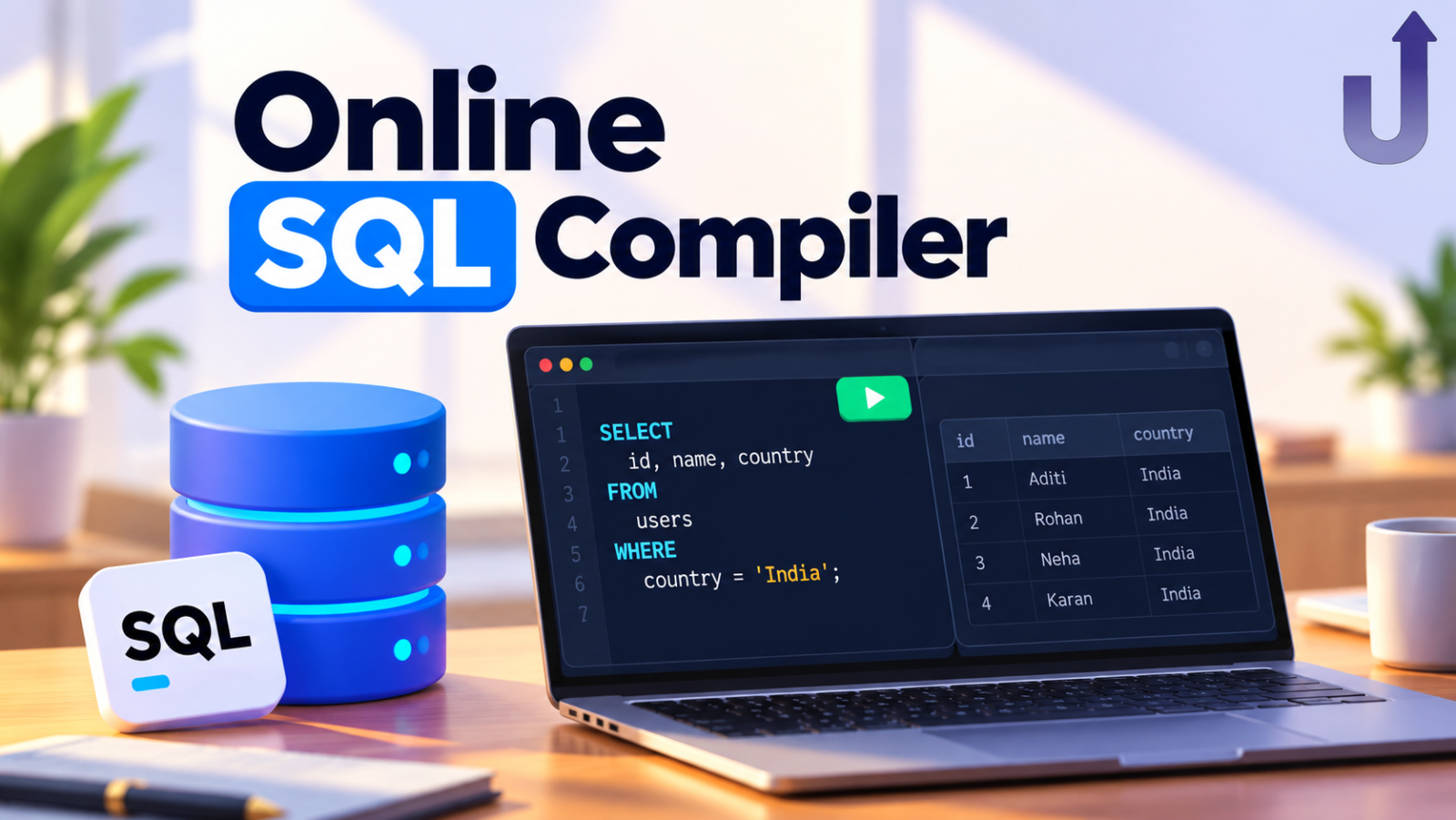
An online SQL compiler is a website where you type SQL and see the results straight away, with nothing to install. Strictly speaking it is not a compiler at all: SQL is not compiled like a programming language. It is an online SQL editor connected to a SQL engine. The real questions are where that engine runs, and whether it is safe to use.
This guide explains how online SQL tools work, how to check any of them for yourself, and what differs from MySQL or PostgreSQL.
In this guide
The short version
- A browser-based tool runs the SQL engine inside your browser tab, so your queries do not need a server.
- A server-based tool sends your SQL to a remote database and returns the result.
- Either can be fine for learning. Do not paste real customer or company data into a tool unless you know where it is processed.
Three ways an online SQL tool can work
| Runs in your browser | Runs on a server | Installed on your computer | |
|---|---|---|---|
| Where queries run | Inside your browser tab | On the provider's remote database | On your own machine |
| Setup | None | None | Install and configure a database |
| Where your data goes | Stays in the tab (unless you save or share) | Sent to the provider | Stays on your machine |
| Speed | Instant for practice-sized data, no network wait | Depends on your connection and their load | Fast, limited by your hardware |
| Tables saved after reload? | Usually not, unless the tool saves them | Depends on the provider | Yes |
| SQL flavour | Often SQLite | Any (MySQL, PostgreSQL, …) | Whatever you install |
How a browser-based SQL engine works
SQLite is a small, widely used database engine. It can be compiled to WebAssembly (WASM), a format browsers can run at close to native speed, which lets a real database engine live inside a web page. When you press Run, your query is handled by that engine in the tab, and the data sits in the tab’s memory.
That is how Upskly’s SQL editor works: it runs SQLite in your browser and automatically translates common MySQL syntax (for example date and string functions), so many MySQL-style queries run without changes.
Three practical consequences:
- Nothing to install. No MySQL Workbench, XAMPP or local server. The setup step that stops many beginners disappears.
- No network wait. Running a query does not depend on a round trip to a server.
- It is a sandbox. Tables live in memory and are gone when you reload the page, unless the tool lets you save your work.
Is an online SQL compiler safe?
“Safe” means two different things, so separate them:
| Concern | What to know |
|---|---|
| Can it harm my computer? | A browser-based engine runs inside the browser's sandbox, the same security boundary as any web page. It cannot read your files. |
| Is my data private? | In a browser-based tool, running a query happens in your tab. Features that talk to a server, such as saving, sharing or AI help, send data by design. |
| Should I paste company data? | No, not unless you have permission and know where the tool processes it. Use practice datasets to learn. |
In Upskly’s SQL editor, running a query happens in your browser tab. Saving a query, sharing it and using AI Assist are separate features that send data to our servers when you choose to use them.
How to check any online SQL tool yourself
You do not have to trust anyone’s description. Test it:
- Open the tool, then press F12 to open your browser’s developer tools and click the Network tab.
- Click the clear button so the list is empty.
- Run a query.
- Look at the new requests. A browser-based engine should not send your SQL text anywhere when you press Run. A server-based tool will show a request carrying your query.
It takes a minute and works on any online SQL tool.
SQLite vs MySQL vs PostgreSQL: what differs
The core of SQL is the same everywhere, but details differ, which is why a query can work in one tool and fail in another. Here is the same task, total revenue per month, in three dialects:
| Task | SQLite | MySQL | PostgreSQL |
|---|---|---|---|
| Group by month | strftime('%Y-%m', order_date) | DATE_FORMAT(order_date, '%Y-%m') | TO_CHAR(order_date, 'YYYY-MM') |
| Join two text values | a || b | CONCAT(a, b) | a || b (or CONCAT) |
| Auto-numbered ID | INTEGER PRIMARY KEY AUTOINCREMENT | AUTO_INCREMENT | SERIAL or GENERATED … AS IDENTITY |
| FULL JOIN | Supported in recent versions (3.39+) | Not supported | Supported |
| Limit rows | LIMIT 5 | LIMIT 5 | LIMIT 5 |
Here is the SQLite version running on a small table:
| order_id | order_date | amount |
|---|---|---|
| 1 | 2026-01-10 | 500 |
| 2 | 2026-01-25 | 300 |
| 3 | 2026-02-03 | 700 |
| 4 | 2026-02-18 | 250 |
SELECT strftime('%Y-%m', order_date) AS month, SUM(amount) AS revenue
FROM orders
GROUP BY strftime('%Y-%m', order_date)
ORDER BY month;| month | revenue |
|---|---|
| 2026-01 | 800 |
| 2026-02 | 950 |
Because the editor auto-translates common MySQL syntax, you can often write DATE_FORMAT(order_date, '%Y-%m') there as well. The concepts you learn (joins, grouping, filtering) carry over to every dialect.
Want to run this yourself? Copy the setup SQL
CREATE TABLE orders (order_id INT, order_date DATE, amount INT);
INSERT INTO orders VALUES (1,'2026-01-10',500),(2,'2026-01-25',300),(3,'2026-02-03',700),(4,'2026-02-18',250);
Works in MySQL, PostgreSQL and SQLite. Paste it into any of them, then run the queries from this guide.
What an online SQL compiler cannot do
- It is not a production database. It is built for learning and analysis, not for serving a real application’s traffic.
- It does not keep your tables by default. In-memory data disappears on reload unless you save it.
- Data size is limited by your browser’s memory. Practice datasets are fine; huge tables are not.
- It lacks server features. SQLite has no user accounts or permissions, and no stored procedures like MySQL or SQL Server.
For practising SQL, running analysis or working through a dataset, none of that gets in the way.
How to tell a query really ran
A fair question: how do you know the output is not faked? Break your own query on purpose. Ask for a column that does not exist:
SELECT nonexistent_col FROM orders;A genuine engine fails the way a genuine engine fails. SQLite answers with its own message, and the editor shows it like this:
Error in statement 1: no such column: nonexistent_colA scripted demo cannot produce a real, specific error for whatever you typed.
How to choose an online SQL compiler
| Look for | Why it matters |
|---|---|
| Where queries run (browser or server) | Decides where your data goes. Use the Network tab test above. |
| Which SQL flavour it uses | Match the dialect you will use at work or in interviews, or check it translates. |
| Practice datasets included | Real, slightly messy data teaches far more than three-row toy tables. |
| Clear limits on saving | Know whether your work survives a reload. |
| Real error messages | You learn faster from genuine errors. |
Frequently asked questions
Is an online SQL compiler safe to use?
For learning, yes, if you avoid pasting sensitive data. A browser-based engine runs inside the browser’s sandbox and cannot read your files. Check where queries run using the Network tab test, and be aware that saving, sharing and AI features send data to a server.
Why is it called a compiler if SQL is not compiled?
“Compiler” is the common search term. What these tools really provide is an editor plus a SQL engine that interprets your statements. There is no separate compile step.
Is an online SQL compiler the same as MySQL?
Not necessarily. Many run SQLite, and others run MySQL or PostgreSQL on a server. The core of SQL is shared, but functions and syntax differ, as the dialect table shows.
Will my tables be saved?
In a browser-based tool, tables live in memory and are cleared when you reload the page unless the tool has a save feature. Check the tool’s save options if you want your work kept.
Do I need to install anything?
No. That is the main advantage. Open the page and start running queries, without installing a database or any software.
Related reading
- How to Learn SQL: A Practical Roadmap – what to practise, in what order.
- SQL Joins Explained – a good first topic to try in the editor.
- NULL in SQL – a real-world trap to practise on.
Try it and check for yourself
A free SQL editor in your browser. Run a query with the Network tab open and see what happens.
Want a structured path instead?
Structured SQL courses – built for real data roles.
Test yourself
Timed questions with an explanation for every answer.
